Using an eSIM in Australia
For an Australian road trip, choose the network for your route before choosing the data allowance. A plan that suits Sydney and Melbourne may not suit a journey through the interior. International travel eSIMs and local prepaid eSIMs are both options, but their activation, identity checks and included services can differ.
Check your exact phone model with the seller. eSIM support alone does not establish Australian network compatibility. Following the 3G shutdown, devices unable to meet emergency-calling requirements can be blocked. This particularly affects overseas models, even if they support some 4G bands.
Read when the package’s validity begins before installing it. A purchase, a downloaded eSIM and an active data package are separate stages. If you choose a local prepaid service, confirm that its identity-verification process accepts your visitor documents and whether you can complete it before arrival.
Mobile networks and coverage in Australia
The principal network choices are Telstra, Optus and Vodafone, operated by TPG Telecom. Travel sellers use agreements with local networks, so check the particular package’s network access. Do not assume that every plan mentioning an operator has the same coverage or access to every technology.
For Sydney, Melbourne or Brisbane, check your accommodation and any work locations. For the Great Ocean Road, a drive towards Uluru or a route outside Perth, inspect the whole journey rather than only its endpoints. Large distances make a national population-coverage claim a poor guide to an individual road trip.
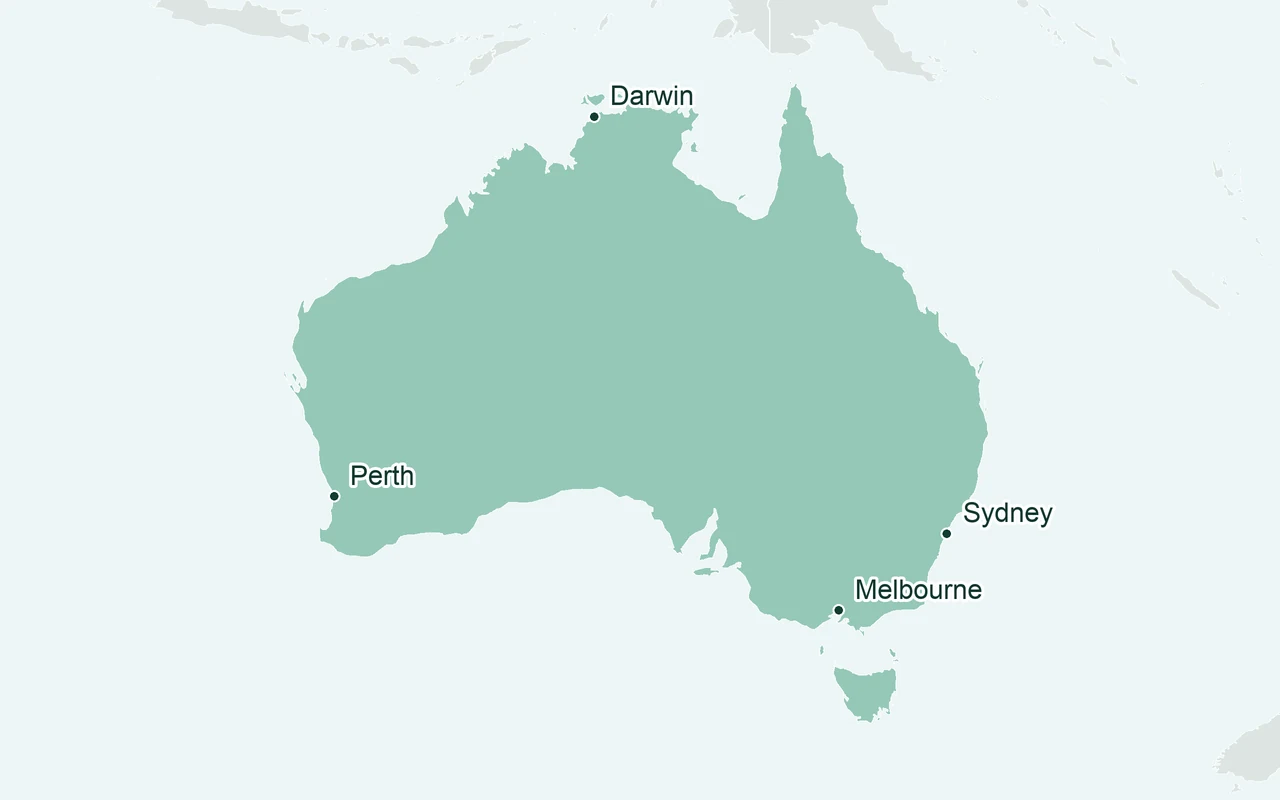
Geographical overview. The shading does not show mobile coverage or which destinations a plan includes.
Australian coverage maps distinguish levels of predicted service. Zoom in and read the legend, including areas shown without coverage. An outdoor prediction does not guarantee reception in a vehicle or a building. Download navigation and booking details before remote stages, and arrange suitable communication separately if your trip depends on reaching help away from mobile coverage.
Choose a plan for your trip
| Travel profile |
Selection priority |
| Short city stay |
Cover arrival and return flight, with data for maps, messaging and occasional searches. |
| City stay with work |
Check hotspot support and speed caps before connecting a laptop. |
| Australia with onward stops |
Check all included countries and validity from the first supported stop. |
Use your phone’s recent usage as a starting point, adjusting for time away from Wi-Fi and daily video uploads. An unlimited package may reduce speed after a threshold, affecting meetings and large transfers. Confirm whether top-ups extend validity or only add data.
If you also visit New Zealand, compare New Zealand eSIM plans against a regional package that lists both countries. For a stop in Bali, inspect Indonesia eSIM plans separately. An Australia package does not automatically cover a stopover, and a regional plan can start its countdown at the first supported stop.
Compare eSIM plans for Australia
Narrow the comparison by the data and validity you need, then examine the network information and total trip cost. Review the relevant eSIM providers for support and refund conditions, especially when device compatibility needs confirmation.
Before buying, resolve any missing hotspot, fair-use or activation details. Choose the package only after its coverage and conditions fit your route, with enough validity left for the final travel day.
Compare plans for your trip

 Roamify